Stack and process your astrophotos with AstroBake
AstroBake is a free, open source app I made. Point it at your folders of raw images and it calibrates, aligns and stacks them, removes gradients, and balances and stretches the colors.
Before and after
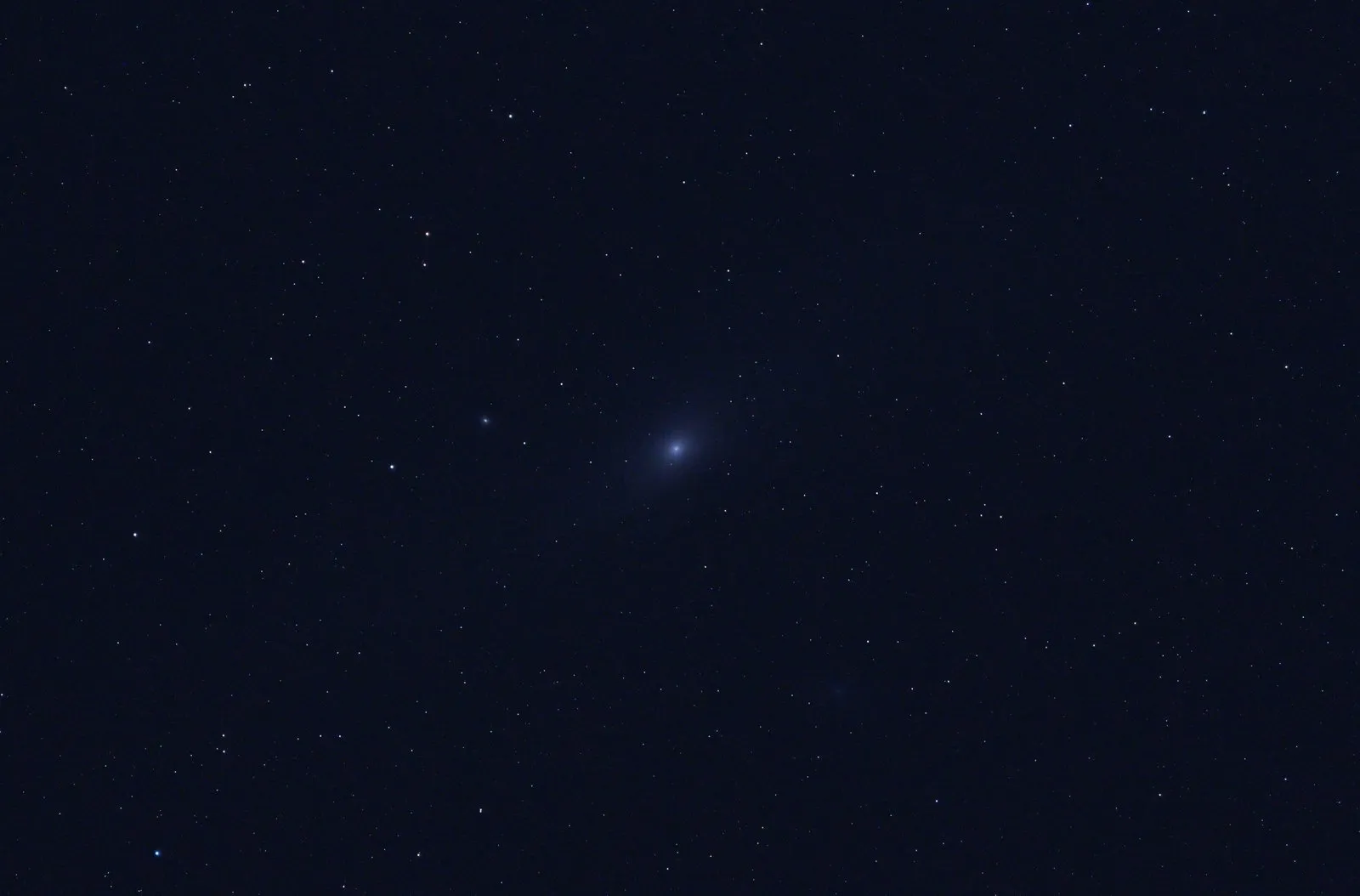
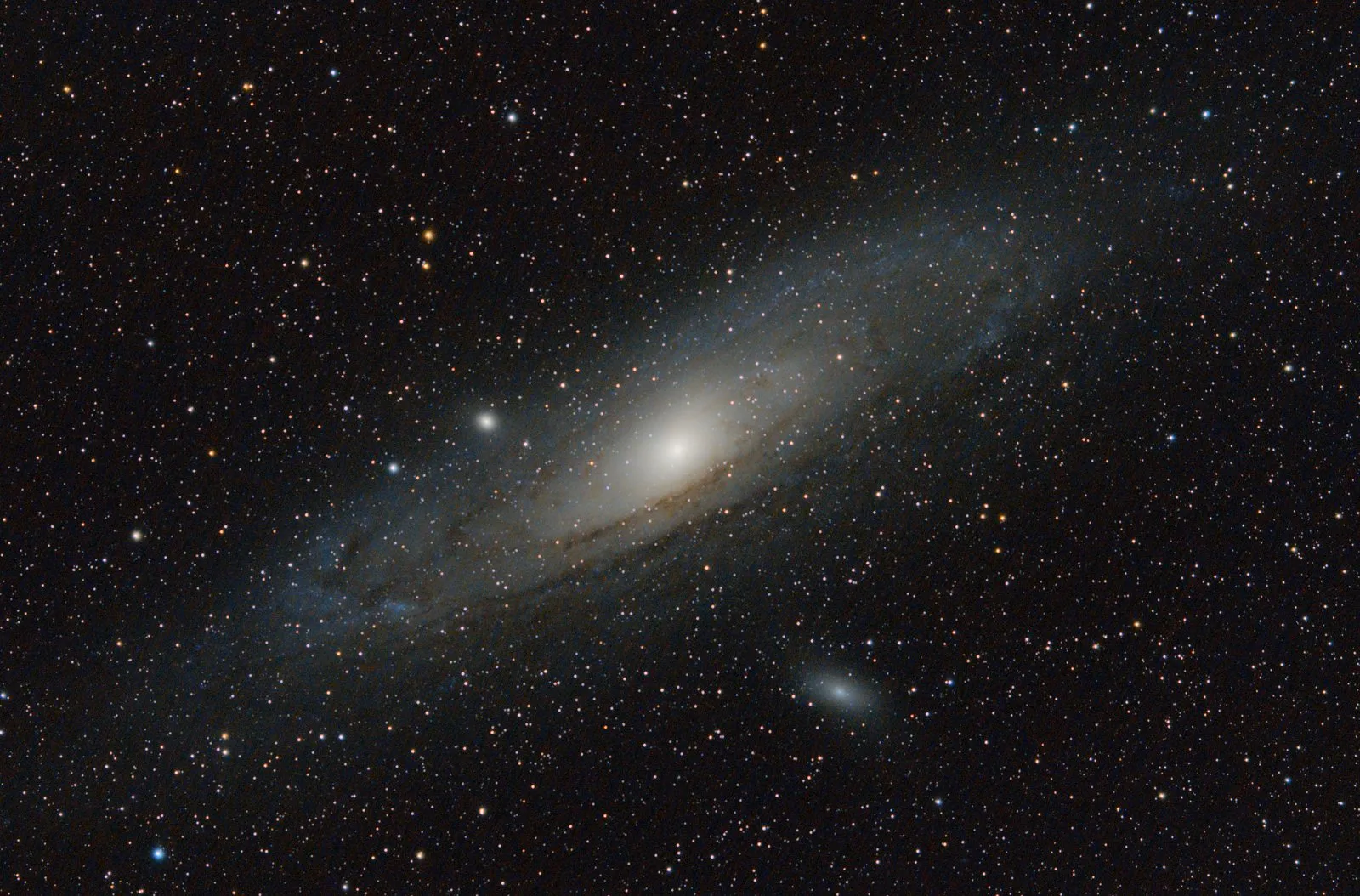
The Andromeda Galaxy (M31) through a small refractor.
What it does
1. Calibrate
Dark frames remove hot pixels and amp glow. Flat frames fix vignetting and dust spots, and bias frames are used with the flats. Folders named darks, flats and bias are found automatically.
2. Align and stack
It finds the stars in every frame and leaves out cloudy or trailed frames. Sharper frames count for more, and satellite and plane trails are removed.
3. Clean up
It crops the uneven edges left by stacking and removes background gradients from light pollution and the Moon.
4. Color and stretch
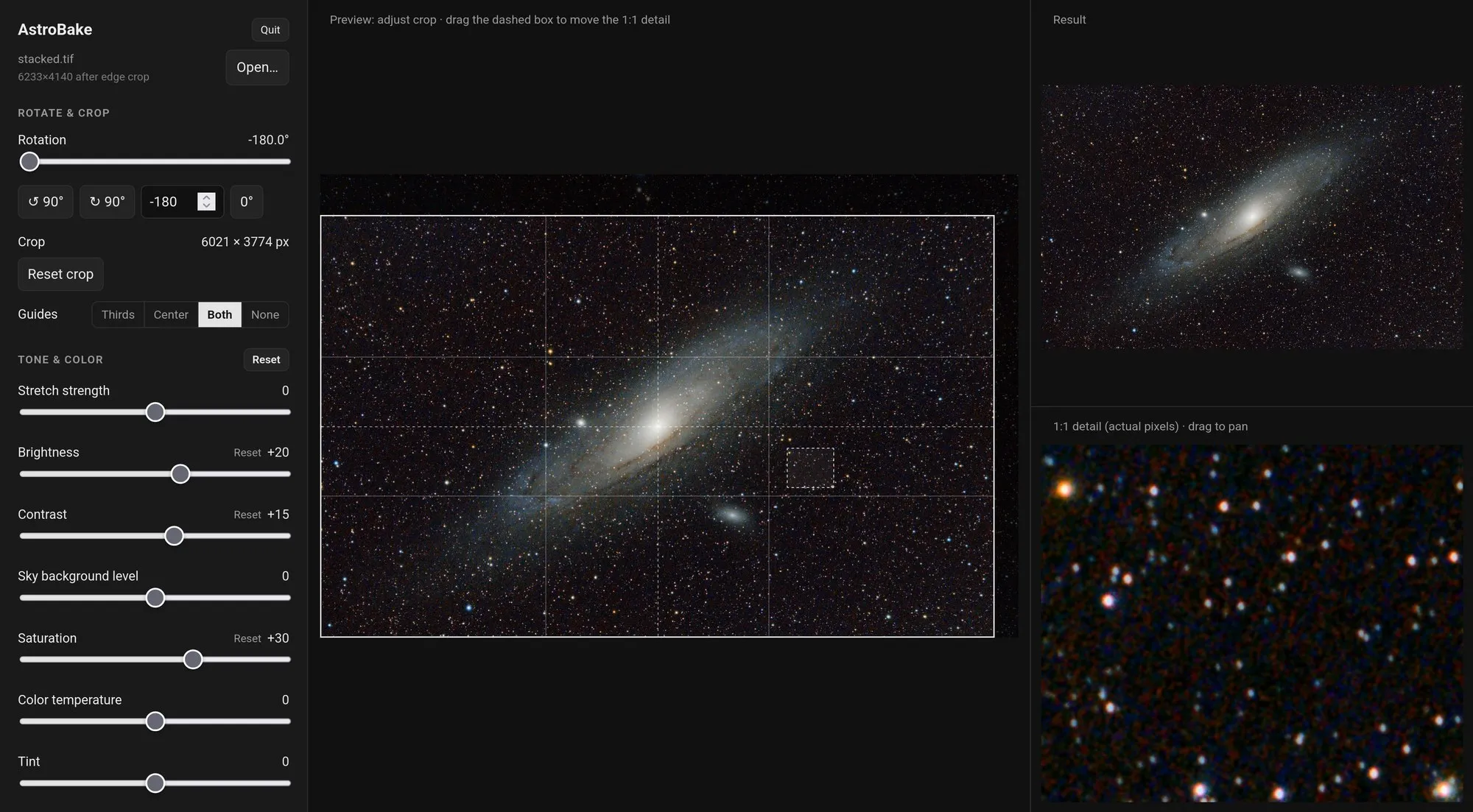
It balances the colors and brightens the faint detail into a finished image. You can adjust everything with sliders and check it in a 1:1 preview.
Getting started
When it opens, AstroBake asks what you want to do. Stack and process takes a folder of light frames and gives you a finished image. Stack only saves a linear 32-bit TIFF to edit in other software. Process a stack opens a TIFF or FITS stack you already have.
Every slider starts at AstroBake’s automatic setting. You can export a JPG at any size, and a 16-bit TIFF if you want to keep editing. It also runs from the command line for batch jobs.
AstroBake questions
Which cameras and files does AstroBake support?
Camera raw files from DSLRs and mirrorless cameras (CR2, CR3, NEF, ARW, DNG and more) and FITS files from astronomy cameras, with color (Bayer) or monochrome sensors. Color FITS files need the BAYERPAT keyword, which N.I.N.A., SharpCap and ASIStudio write. Fujifilm X-Trans sensors and compressed FITS files are not supported.
Is AstroBake free?
Yes. AstroBake is free and open source on GitHub, with downloads for Windows, macOS (Apple Silicon) and Linux. It also runs from source with Python 3.9 or newer.
How long does stacking take?
About seven minutes for 100 frames from a 24-megapixel camera on a 4-core laptop. Stacking uses about 3 GB of memory no matter how many frames you have.
Can I process a stack from other software?
Yes. Choose Process a stack and open any 16- or 32-bit TIFF or FITS stack, for example from DeepSkyStacker or Siril, to use AstroBake’s gradient removal, color balance and stretch.